The Exam Results Report widget shows the results for all the groups that have taken the exam you chose. Their results are distributed in a chart and a table.
(1).png)
Exam Groups Results Chart
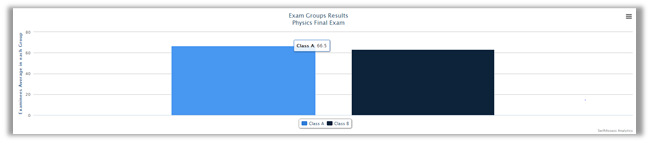
•The chart shows the average of each examinee in a group.
•It can be printed, exported as an image (PNG/JPEG), PDF document, and SVG vector image by clicking on .png)
Exam Groups Results Table
(1).png)
•The table consists of several headers that convey information about the group that you have chosen. Those information include:
o"Examinees"
o"Passed Count"
o"Failed Count"
o"Average Marks"
o"Median Marks"
o"Not Attempted"
•This table can be exported to Excel, PDF, CSV, and Word.
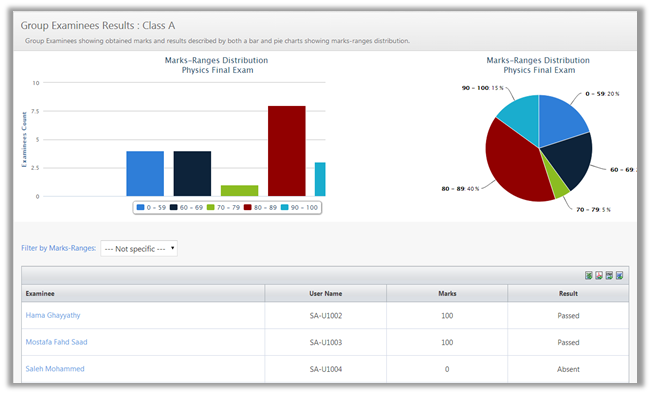
•Click on the Group's name (e.g in this case it is "Class A"), which will take you to examinees results for that particular group.
See Also
SwiftAssess © 2021