In SwiftAssess, you will get several system messages for actions that you perform on the system. Some of these messages have a time-out and will be hidden after they appear for a few moments and some of them can be closed by clicking the close button on the right top corner of the message.
•Success messages appear when an action has been completed successfully (e.g. "Your changes have been saved successfully!").
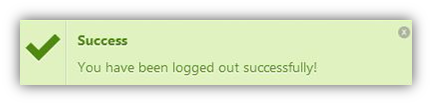
•Information messages appear to show relevant information for the user (e.g. "Please set the date and time for the assessment")
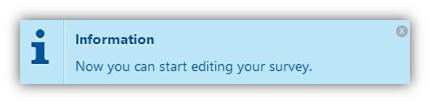
•Warning messages are shown to alert the user about a certain action that cannot be completed (e.g. "This practice cannot be deleted because it is currently being taken").
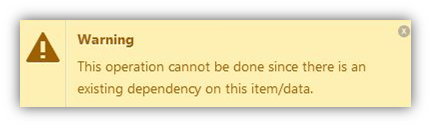
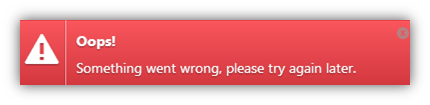
•Error messages are shown when there is an error in the action and it cannot be done (e.g. "Loading failed. Please reload the page"). In some cases, there are unknown errors, and the system will display this generic message.
•Plan Limit messages are shown when the user wants to use a limited feature or section. In this case, the user have to upgrade/renew the plan to access these features.
.png)
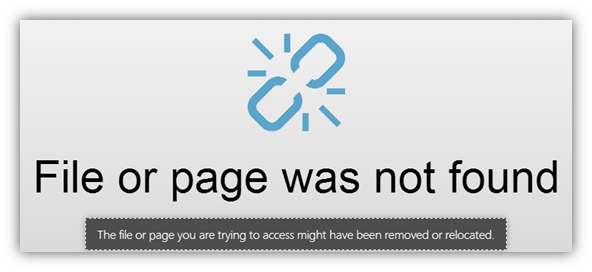
•File or Page not found messages are shown if the file or page you are trying to access might have been removed or relocated to another place.
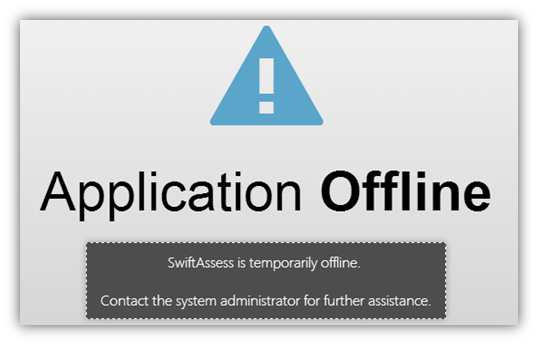
•Application Offline messages appear if the system on SwiftAssess is temporarily offline.
This could be for a number of reasons, some of which may be:
oSystem maintenance or interruption of services.
oLicensing issues.
oInstallation is not valid.
In all cases, please contact your system administrator for more assistance.
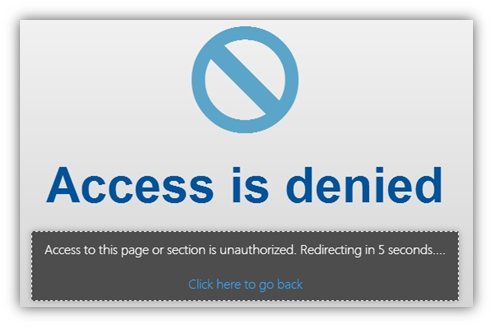
•Access is denied messages are shown if the user is trying to access a page that they are not authorized to do so. This means that they don't have permissions or that their access to that feature of the system is limited and hence not allowed. This message times out after 5 seconds and goes back to the home page.
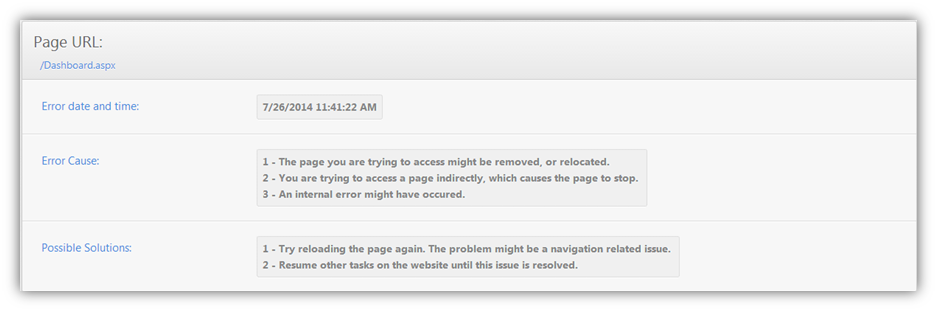
•Browsing error occurred pages appear when there is an error in trying to reach a page requested. In this page, you get the error date and time and the URL that you tried to reach. These details are logged and will be used when resolving the issue.
This error could be for a number of reasons, some of which are:
oThe page you are trying to access might be deleted or removed
oYou are trying to access a page indirectly, which causes the page to stop
oAn internal error might have occurred.
You can try to:
oReload the page again because the problem might be a navigation issue.
oContinue working on other tasks until the issue is resolved.
oContact your system administrator for assistance.
See Also
SwiftAssess © 2021