This section helps you add new rubrics for you questions on SwiftAssess that are to be used for Manually Graded question types.
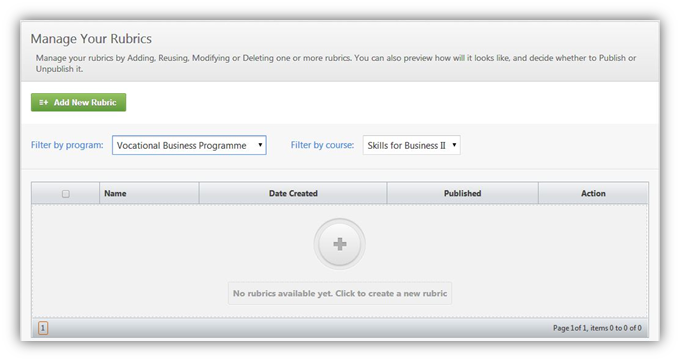
Add a New Rubric
•On the Rubrics Dashboard, click on  .
•You will be redirected to the Edit Rubrics Details page where you can:
oEdit the General Information for the rubric
oEdit the Rubric Content for the Rubric.
See Also
SwiftAssess © 2021